Article
Your Power Data Is Lying to You (And How to Fix Your Indoor Setup)
Smart trainers, power meters, calibration, and why your indoor watts might not match what you think. A practical guide to getting accurate data from your pain cave.
If you've ever wondered why your FTP indoors feels nothing like your FTP outdoors, your gear is probably a big part of the answer.
Indoor training is only as useful as the data it generates. Garbage in, garbage out. Here's how to make sure your indoor setup is actually giving you numbers you can train from.
Smart Trainer vs. Dumb Trainer: The Real Difference
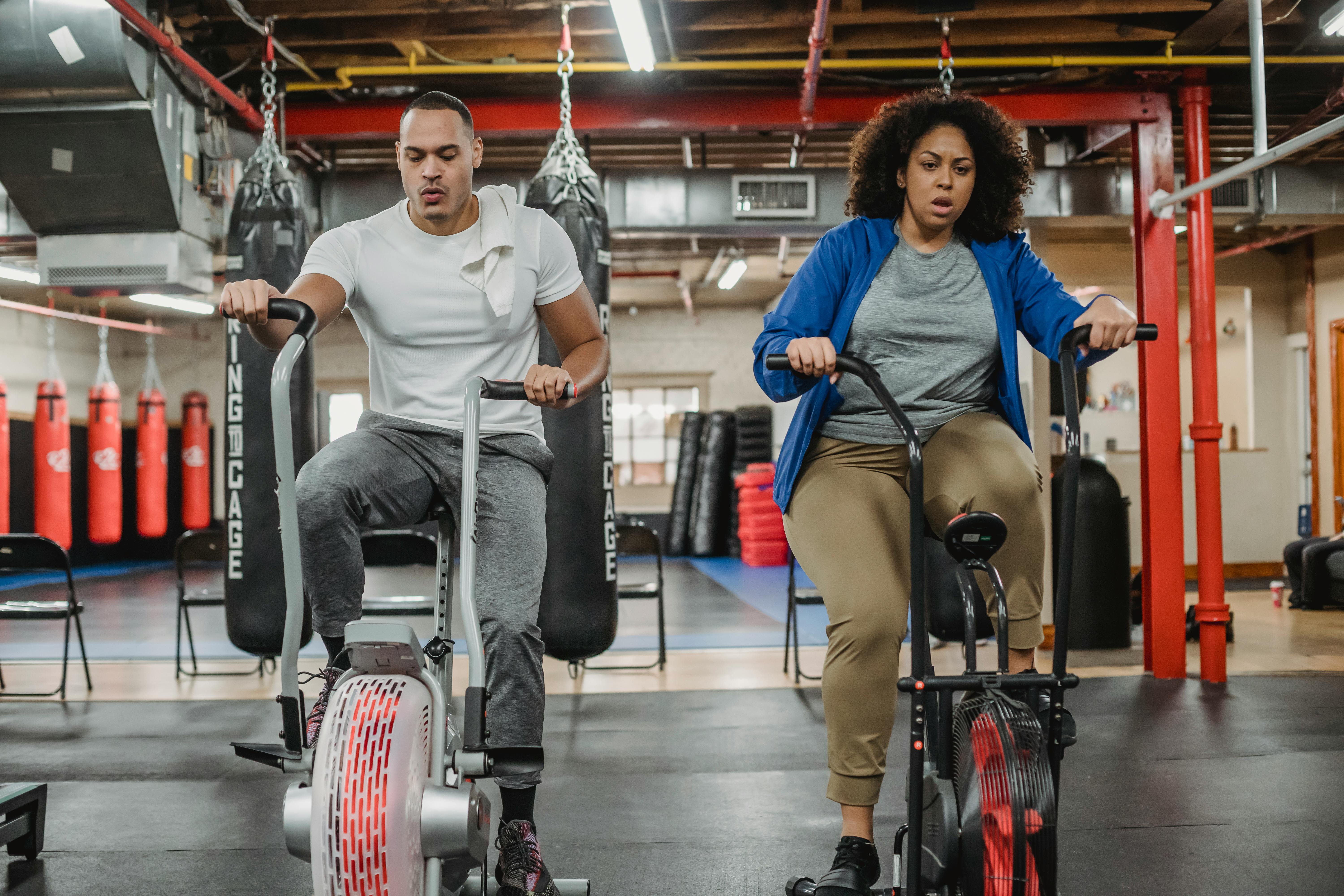
A "dumb" trainer gives you resistance. A smart trainer gives you controllable resistance and reports power data. That distinction matters enormously when you're doing structured intervals.
With a dumb trainer and a separate power meter, you're controlling resistance manually while your pedal or crank meter measures actual power. With a smart trainer in ERG mode, the trainer adjusts resistance automatically to hit a target wattage. Feels like magic until you understand the caveats.
The real issue: most smart trainers have built-in power measurement accuracy specs of ±2-3%. That sounds fine until you realize that on a 300W FTP test, 3% is 9 watts. That's enough to miscalibrate your entire training program.
Where Your Power Number Actually Comes From
There are three common setups, and they behave differently:
Trainer-only: The smart trainer measures power through its own flywheel. Convenient, but accuracy varies by trainer. Wahoo, Tacx, and Elite all have different specs—and those specs assume regular calibration.
Trainer + power meter (no power match): You're looking at two different power numbers. Your training app shows trainer power. Your power meter shows what you're actually producing. If they don't match, one of them is wrong, or your drivetrain is eating more watts than you think.
Trainer + power meter (power match enabled): The trainer reads your power meter and adjusts resistance to match that number. Now you're training to a consistent, real-world wattage that you can directly compare to outdoor rides. This is the setup serious athletes use.
If you're running VeloWorkout, you can connect both your trainer and an external power meter simultaneously via Bluetooth or ANT+ and see exactly what each is reporting. The discrepancy between them is usually more interesting than either number alone.
Calibration Is Not Optional
Your trainer drifts. Especially the first 10-15 minutes after startup as the flywheel warms up.
Always do a spindown calibration after 10 minutes of easy warmup pedaling. Most manufacturers recommend this before every session. It takes 60 seconds and significantly improves accuracy.
For power meters: zero-offset (or "zero calibration") before every ride. Temperature changes alone can shift readings by several watts. This takes about 5 seconds and you should be doing it every single time.
Two data points: Garmin Vector pedals are known to drift more in cold conditions. Favero Assioma is generally more stable across temperature swings. If you're seeing inconsistency, temperature and calibration timing are the first things to investigate.
ANT+ vs. Bluetooth: Which Connection Matters
For ERG mode and power match to work properly, your trainer needs a reliable data connection to your training app.
Bluetooth is fine for most setups—one device connected at a time. ANT+ allows multiple simultaneous connections, which means you can broadcast your power meter to your training app and your head unit at the same time without conflicts.
The practical implication: if you're using a phone for training and a Garmin or Wahoo head unit for recording, ANT+ is cleaner. Most modern smart trainers support both; prioritize whichever your phone handles better without dropout.
Bike Fit on the Trainer
People forget this. Your bike feels different on a trainer, and that changes your position.
Most trainers put your bike in a slightly nose-down position unless you use a front wheel riser block. Without one, your weight shifts forward, your saddle effective angle changes, and you'll feel it in your lower back and knees on longer sessions.
Get a riser block that matches your front wheel diameter. Set it once, mark the position with tape, and don't touch it. Consistency matters more than perfection here.
Saddle height on the trainer should match your outdoor setup exactly. Take a photo of your seatpost marking before you swap bikes. One centimeter of saddle height difference will show up in your power output during hard efforts.
The Takeaway
Getting accurate indoor training data isn't complicated, but it does require intentional setup:
- Calibrate after warmup, every session
- Use power match if you have an external power meter
- Use a riser block and replicate your outdoor position
- Check your ANT+/Bluetooth connection stability before intervals
Your indoor watts are only meaningful if they're consistent and comparable to outdoor watts. Fix the setup once, and every workout you do after that becomes real data you can act on.
Apps like VeloWorkout are built to work with this kind of clean data—multiple sensor inputs, consistent metrics, and the structure to actually do something useful with it during your rides.

Photos courtesy of Pexels
Turn your training plan into actual progress
Build workouts, execute with smart trainer support, and track performance with data that matters.
Open VeloWorkout